AI Photo Editing Revolution: Professional Techniques for Creative Excellence
Explore how artificial intelligence is revolutionizing photo editing workflows, from automated enhancements to creative transformations that were impossible just years ago.
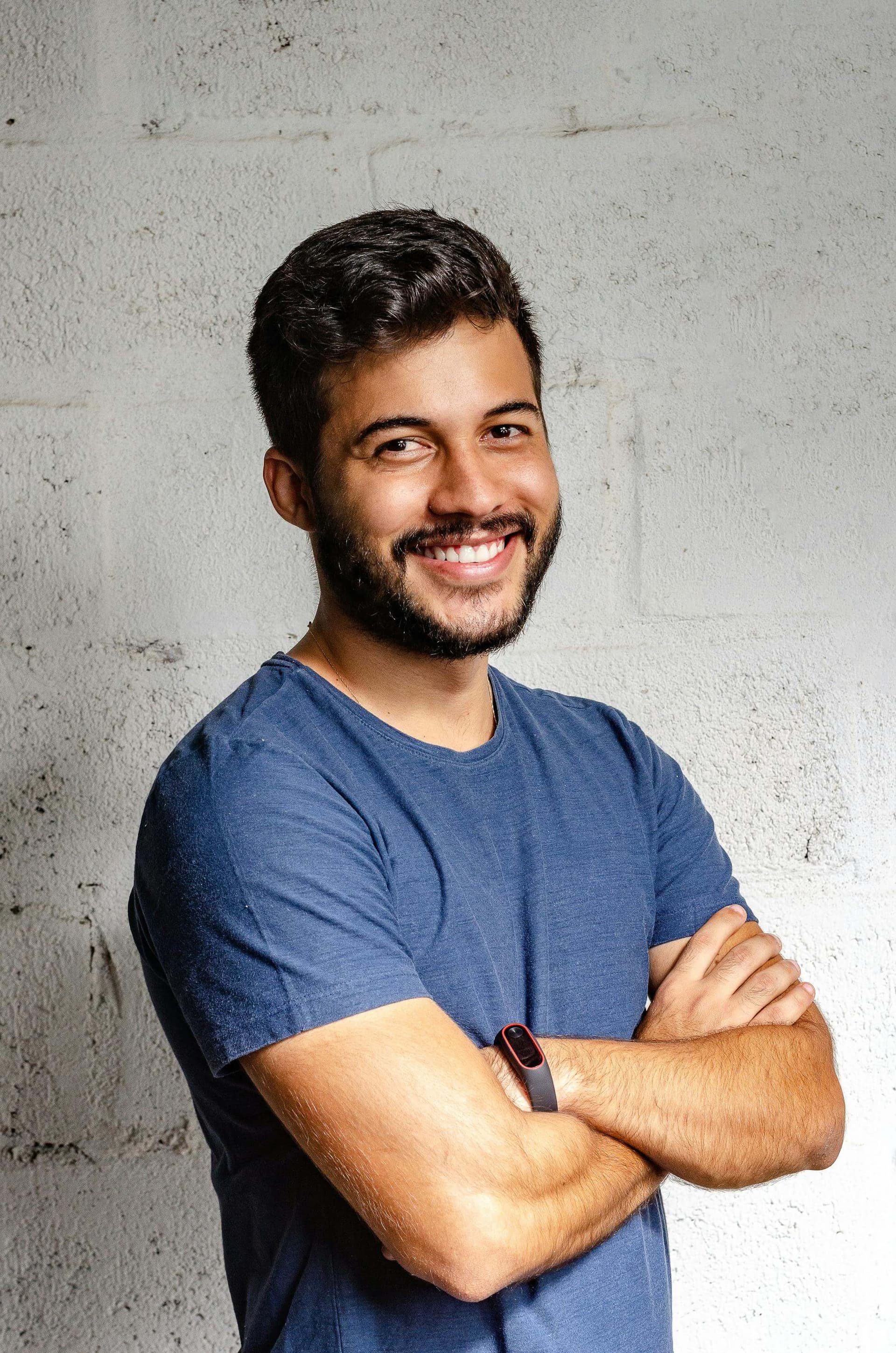
The landscape of digital photo editing has undergone a seismic shift with the integration of artificial intelligence. What once required hours of meticulous manual work can now be accomplished in seconds, while maintaining—and often exceeding—professional quality standards. This transformation isn't just about speed; it's about democratizing advanced creative techniques and opening new possibilities for visual storytelling.
Modern AI photo editing tools leverage sophisticated machine learning algorithms trained on millions of images to understand visual patterns, lighting conditions, and artistic styles. These systems can now perform complex tasks like object removal, background replacement, and style transformation with unprecedented accuracy and creative fidelity.
What You'll Master
- • Advanced AI editing workflows for professional results
- • Creative techniques using cutting-edge AI tools
- • Quality control and refinement strategies
- • Integration of AI tools with traditional editing methods
- • Future-proofing your creative skillset
1. Understanding AI Photo Editing Fundamentals
At its core, AI photo editing relies on deep learning networks that have been trained to recognize patterns, understand context, and apply transformations that maintain visual coherence. Unlike traditional filters or preset adjustments, AI systems analyze each image individually and make intelligent decisions about how to enhance or modify the content.
Key AI Technologies in Photo Editing
Generative Adversarial Networks (GANs)
GANs excel at creating new content that seamlessly blends with existing imagery. Recent advances like NVIDIA's EditGAN technology (enables precise, targeted modifications while preserving image quality) have revolutionized how we approach complex editing tasks.
Convolutional Neural Networks
These networks excel at understanding spatial relationships and visual features, making them ideal for tasks like object recognition and enhancement.
Transformer Models
Originally designed for natural language processing, transformers now power advanced image understanding and generation capabilities.
Diffusion Models
These cutting-edge models generate high-quality images through iterative refinement processes, offering unprecedented control over output quality.
Professional Insight
The most effective AI photo editing workflows combine multiple AI technologies. For instance, you might use a CNN for initial object detection, a GAN for content generation, and a transformer model for final refinement—each technology contributing its strengths to the overall process.
2. Building a Professional AI Editing Workflow
Professional AI photo editing isn't just about applying filters—it's about creating a systematic approach that leverages AI capabilities while maintaining creative control. The most successful professionals develop workflows that combine AI automation with strategic human oversight.
The Four-Stage Professional Workflow
Analysis and Planning
Before applying any AI tools, analyze your image's current state and define clear objectives. Consider lighting conditions, composition, and the desired emotional impact.
AI Enhancement Application
Apply AI tools strategically, starting with foundational enhancements like noise reduction and exposure correction before moving to creative modifications.
Refinement and Integration
Use traditional editing techniques to blend AI-generated elements seamlessly with the original image. This stage often separates professional work from amateur attempts.
Quality Control and Finalization
Conduct thorough quality checks, ensuring consistent lighting, proper color grading, and artifact-free results. Professional output requires human oversight of AI-generated content.
3. Advanced AI Enhancement Techniques
Modern AI photo editing platforms have evolved far beyond simple filters and automated adjustments. Today's tools offer sophisticated capabilities that can transform mediocre images into stunning visual narratives. Platforms like AI Photo Editor(demonstrates how user-friendly interfaces can make professional-grade AI editing accessible to creators at all skill levels).
Intelligent Object Manipulation
AI-powered object manipulation goes beyond simple copy-paste operations. Modern systems understand context, lighting, and perspective, allowing for seamless integration of new elements or removal of unwanted objects.
- Content-aware object removal with intelligent background reconstruction
- Perspective-corrected object insertion and scaling
- Automatic shadow and reflection generation for added realism
- Edge refinement and color matching for seamless integration
Atmospheric and Lighting Enhancement
AI systems can now analyze and manipulate complex lighting scenarios, creating dramatic atmospheric effects that would be challenging to achieve through traditional methods.
- Dynamic range expansion for better highlight and shadow detail
- Volumetric lighting effects and god ray generation
- Weather condition simulation and atmospheric haze adjustment
- Time-of-day transformation with accurate color temperature shifts
Portrait Enhancement and Retouching
AI portrait enhancement has reached remarkable sophistication, offering natural-looking improvements while preserving individual characteristics and avoiding the "plastic" appearance of over-processed images.
- Skin texture enhancement while maintaining natural pore structure
- Eye brightening and detail enhancement with natural reflections
- Hair detail recovery and volume enhancement
- Facial feature refinement while preserving individual character
4. Creative Applications and Style Transfer
The creative potential of AI photo editing extends far beyond correction and enhancement. Style transfer technologies enable photographers and artists to explore new aesthetic territories, blending photographic realism with artistic interpretation in ways that were previously impossible.
Artistic Style Transformation
Classical Art Styles
Transform photographs into paintings reminiscent of Van Gogh, Monet, or Picasso while maintaining the underlying photographic structure and detail.
Modern Design Aesthetics
Apply contemporary design trends like minimalism, cyberpunk, or vintage film aesthetics with intelligent color grading and texture application.
Cinematic Color Grading
Emulate professional film and television color grading styles, from blockbuster movie looks to indie film aesthetics.
Genre-Specific Styling
Apply genre-appropriate styling for fantasy, sci-fi, horror, or other thematic requirements with consistent atmospheric elements.
Creative Workflow Tips
- • Start with subtle style applications and gradually increase intensity
- • Use masking to apply different styles to different areas of the image
- • Combine multiple style transfers for unique hybrid aesthetics
- • Always maintain a backup of your original image for comparison
- • Consider the final output medium when selecting style intensity
5. Common Pitfalls and How to Avoid Them
While AI photo editing offers tremendous creative potential, it's easy to fall into traps that result in unnatural or over-processed images. Understanding these common pitfalls and their solutions is crucial for professional results.
Pitfall #1: Over-Reliance on AI Automation
Problem: Applying AI enhancements without understanding their impact or adjusting parameters
Solution: Always review AI-generated results critically and make manual adjustments. Use AI as a starting point, not an endpoint. Understand what each tool does and why you're using it.
Pitfall #2: Ignoring Lighting Consistency
Problem: AI-generated elements that don't match the original image's lighting conditions
Solution: Always analyze the light source direction, color temperature, and intensity before applying AI modifications. Use manual adjustment tools to ensure consistency across all elements.
Pitfall #3: Artifacts and Uncanny Valley Effects
Problem: AI-generated content that looks "almost right" but has subtle issues that make it appear unnatural
Solution: Zoom in to check for artifacts, examine edges carefully, and use traditional retouching techniques to refine AI-generated areas. Pay special attention to repetitive patterns and unnatural symmetry.
Pitfall #4: Style Transfer Overkill
Problem: Applying style transfers so heavily that the original image becomes unrecognizable or loses its impact
Solution: Use style transfers judiciously. Often, blending the styled version with the original at 50-70% opacity creates more pleasing results than full-strength application.
6. Professional AI Editing Tools Comparison
The AI photo editing landscape includes both specialized tools and comprehensive platforms. Understanding the strengths and limitations of each category helps you build an efficient workflow tailored to your specific needs.
Platform Categories and Use Cases
All-in-One Creative Platforms
Comprehensive solutions that integrate AI capabilities into traditional editing workflows.
Best For:
- • Professional photographers
- • Complex multi-step workflows
- • Batch processing needs
- • Traditional editing integration
Examples:
- • Adobe Photoshop (Neural Filters)
- • Luminar AI
- • Capture One (AI features)
- • ON1 Photo RAW
Specialized AI Enhancement Tools
Focused platforms that excel at specific AI-powered tasks and transformations.
Best For:
- • Quick creative experiments
- • Specific enhancement tasks
- • Social media content
- • Learning AI capabilities
Notable Features:
- • One-click transformations
- • Preset artistic styles
- • User-friendly interfaces
- • Real-time previews
Cloud-Based AI Services
API-driven platforms that provide AI capabilities through web interfaces or integrations.
Advantages:
- • No local hardware requirements
- • Always up-to-date models
- • Scalable processing power
- • Cross-platform accessibility
Considerations:
- • Internet dependency
- • Subscription costs
- • Privacy implications
- • Processing time variability
Professional Recommendation
The most effective approach often involves using multiple tools in combination. Start with a comprehensive platform for your main workflow, then supplement with specialized tools for specific tasks. This hybrid approach gives you the flexibility to choose the best tool for each specific requirement.
7. Future Trends and Emerging Technologies
The rapid evolution of AI photo editing shows no signs of slowing down. Understanding emerging trends helps creative professionals prepare for the next generation of tools and capabilities. Research from institutions like the National Press Photographers Association(continues to explore how AI technologies impact professional photography workflows and ethical considerations).
Emerging Capabilities
Real-Time AI Processing
Live preview and adjustment of AI effects during capture, enabling photographers to see final results before taking the shot.
Voice-Controlled Editing
Natural language processing integration allowing editors to describe desired changes verbally rather than through manual adjustments.
Contextual Understanding
AI systems that understand image context, subject matter, and intended use to suggest appropriate enhancements automatically.
Collaborative AI Editing
Systems that learn from multiple editors' styles and preferences to assist in collaborative projects with consistent aesthetic approaches.
Ethical Considerations and Professional Standards
As AI photo editing capabilities become more sophisticated, the creative industry faces important questions about authenticity, disclosure, and professional standards. Establishing clear guidelines now will help maintain trust and credibility as these technologies become ubiquitous.
Best Practices for Ethical AI Use
- • Maintain transparency about AI-enhanced content when professionally relevant
- • Preserve original files and document enhancement workflows
- • Respect copyright and model rights when using AI-generated content
- • Stay informed about industry standards and legal requirements
- • Consider the impact of AI modifications on documentary authenticity
Conclusion and Next Steps
The AI photo editing revolution represents more than just technological advancement—it's a fundamental shift in how we approach creative work. By understanding these tools deeply and applying them thoughtfully, creative professionals can enhance their workflows while maintaining artistic integrity and personal vision.
Success in this new landscape requires balancing technological capability with creative judgment. The most effective practitioners don't simply apply AI tools blindly; they understand when and how to use each capability to serve their creative goals while maintaining professional standards.
As these technologies continue to evolve, staying informed and adaptable becomes crucial. The techniques and principles outlined in this guide provide a foundation for continued learning and growth in an increasingly AI-enhanced creative environment.
Action Steps for Implementation
- • Experiment with different AI tools to understand their strengths and limitations
- • Develop a personal workflow that integrates AI capabilities with traditional techniques
- • Stay updated on emerging technologies and industry best practices
- • Practice ethical AI use and maintain transparency in professional work
- • Join professional communities to share experiences and learn from others
- • Document your processes to refine and improve your workflow over time
Related Articles
Complete Face Sketching Guide
Master traditional sketching techniques and understand how they complement AI-assisted workflows.
Professional Sketch Artist Careers
Explore how AI tools are transforming professional sketch artist workflows and career opportunities.
Photo to Sketch Conversion
Learn advanced techniques for converting photographs into professional-quality sketches.